Budgeting printables for households that want to see where the money actually goes. These are the GriggsbyPrints tools for running a month, chipping away at a balance, and saving toward something specific — whether you would rather write it by hand or let a spreadsheet do the maths.
Every design here is an instant digital download. Nothing ships, and nothing is billed monthly.
Start here: everyday monthly budgeting
If you just need one place to plan the month — income in, bills out, what is left — start with these three printable sets.

Simple Budget Planner for Beginners
A straightforward monthly budget you can start using the same day. Includes a monthly overview and a monthly budget sheet that breaks income and expenses down by category. Canva editable, printable PDF, US Letter and A4.
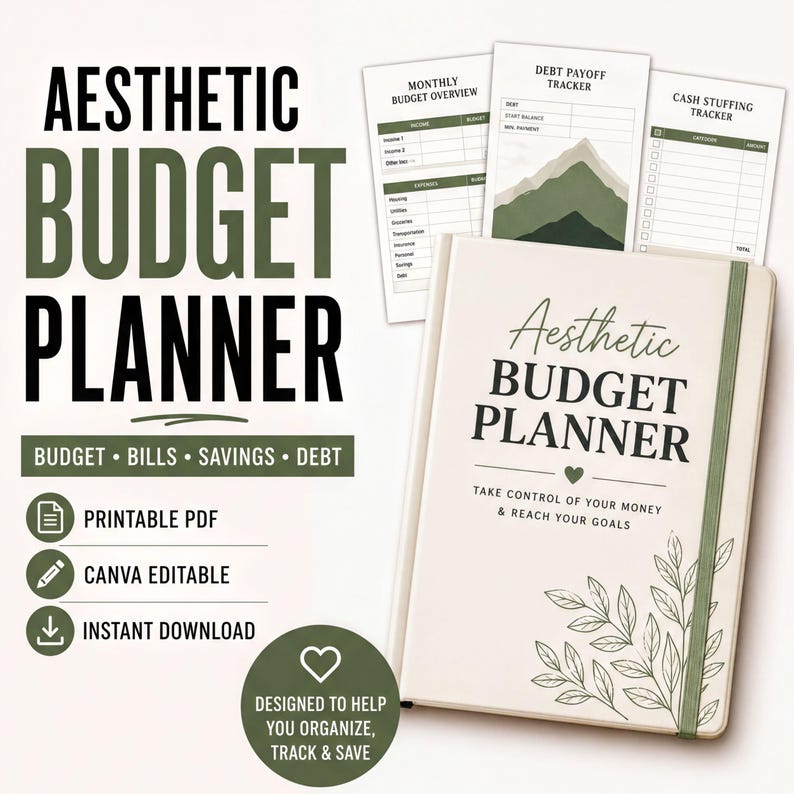
Aesthetic Budget Planner (Sage Green)
Ten planner pages in a calm sage-green design: monthly budget overview, bill calendar, cash stuffing envelope tracker, debt payoff journey, net worth tracker, expense tracker and a financial reflection page. Printable PDF and Canva editable.
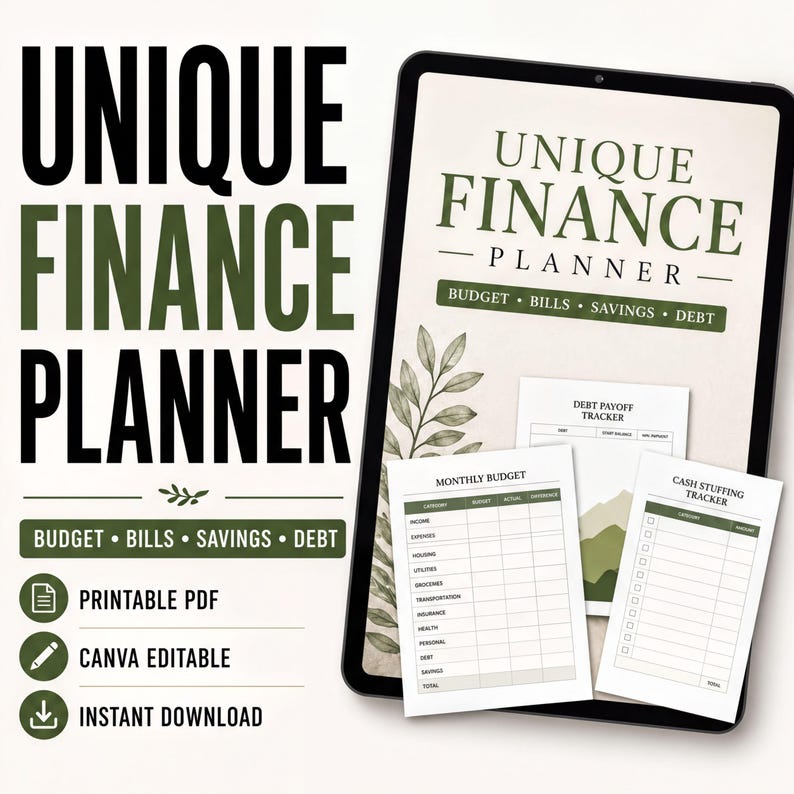
Unique Finance Planner (Sage Green)
The same sage-green look built to be used on a tablet as well as printed, covering budget, bills, savings and debt. Includes a monthly budget, a debt payoff tracker and a cash stuffing tracker. Printable PDF and Canva editable.
When you are working toward a specific number
A monthly budget tells you where you stand. These two are for when you have a target — a savings goal you want to hit, or a balance you want gone.

Cash Stack Savings Challenge Vault
Built around savings challenges rather than monthly budgeting. Includes a 52-week savings challenge, a $5,000 challenge chart and a no-spend bingo page, plus weekly, monthly and yearly plans. Hyperlinked for mobile and tablet, and print friendly.
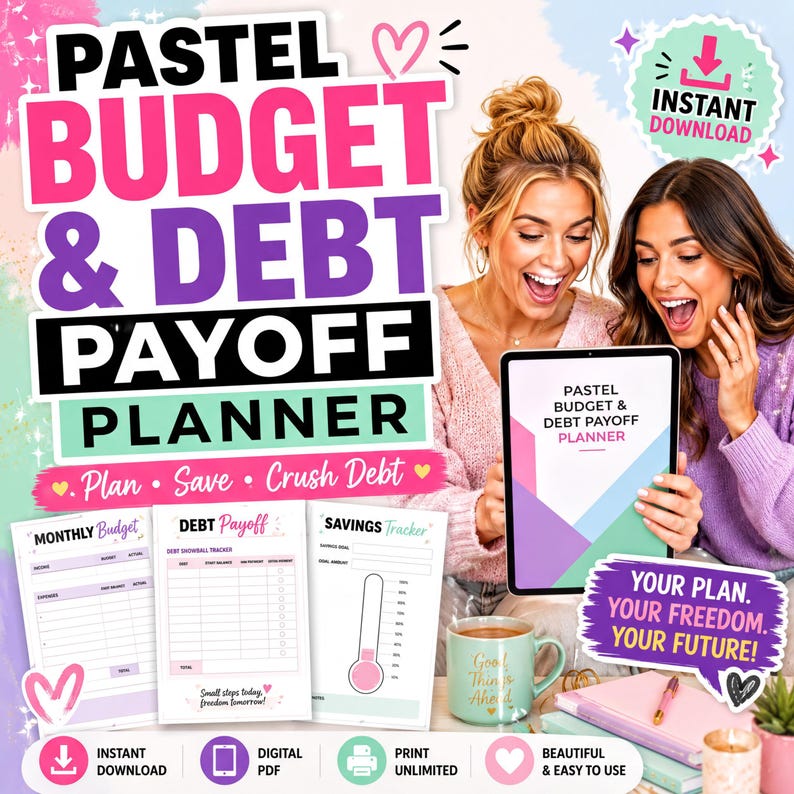
Budget & Debt Payoff Planner
Pairs a monthly budget with a debt snowball tracker and a savings tracker, so paying down a balance and running the month sit in the same place. Digital PDF you can print as many times as you need.
If you would rather work in a spreadsheet
Same job, different tool. These two run in Google Sheets, so the totals update themselves as you type.
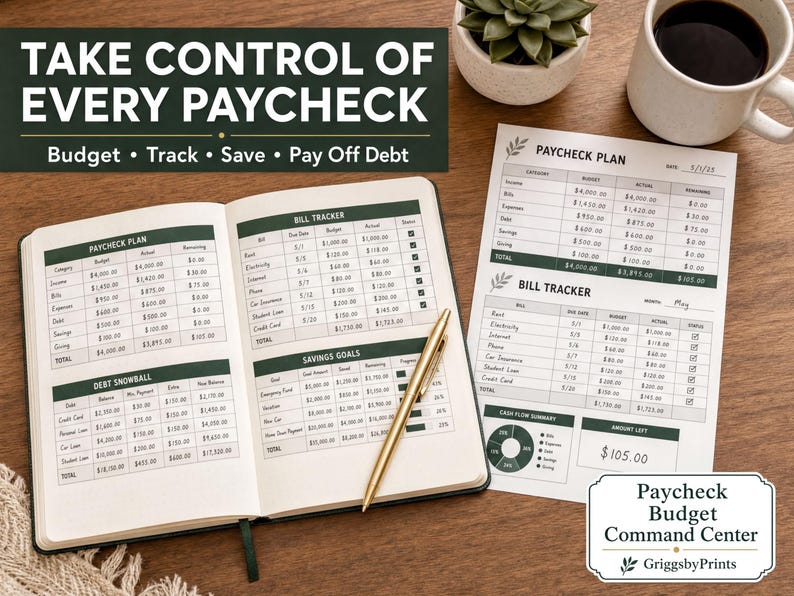
Paycheck Budget Command Center
Budgets by paycheck rather than by calendar month. The dashboard covers cash flow, budget versus actual, a bill tracker, a debt snowball tracker and savings goals. Includes the Google Sheets template, a printable PDF planner and setup instructions.

All-in-One Google Sheets Planner
A wider planner where budgeting is one section among several — yearly, monthly, weekly and daily views, goals and habit tracking, plus budget and finance tracking. Printable PDF included.
Which one should you pick?
- You have never kept a budget before. Start with the Simple Budget Planner for Beginners. One overview page, one budget page, nothing else to learn.
- You want bills, savings and debt in one binder. Either sage-green set. They are close relatives, so choose on how you will use it rather than on features: the Aesthetic Budget Planner is the ten-page printable set, while the Unique Finance Planner is built to be filled in on a tablet as well as printed.
- You are chasing a number. The Cash Stack Savings Challenge Vault if you are saving toward a total; the Budget & Debt Payoff Planner if you are clearing a balance and still need to run the month.
- You want the maths done for you. The Paycheck Budget Command Center if you get paid weekly or fortnightly and budget by paycheck. The All-in-One Google Sheets Planner if you want money tracking to sit inside a wider life planner.
Cash stuffing, debt payoff and general budgeting are not the same job
It is worth being clear about the difference, because these three get lumped together and they solve different problems.
- General budgeting is the monthly picture: what comes in, what goes out, what is left. It is the foundation, and it is the one most people should set up first.
- Cash stuffing is a spending-control method. You divide money into labelled envelopes or categories and spend only what is in them. The trackers here record what went into each envelope and what is left — they work alongside a budget, not instead of one.
- Debt payoff is a sequencing problem. A snowball tracker lists your balances, decides the order you attack them, and shows progress so you keep going. It assumes a budget already exists to free up the payment.
Formats and printing
Printable PDFs are made for home printing on US Letter or A4. Canva-editable files open in a free Canva account if you want to change wording or colours. Google Sheets files are copied into your own Google Drive. Some sets are hyperlinked so they can be filled in on a tablet instead of printed — each listing states which formats it includes.
How buying works
GriggsbyPrints.com does not take payments. Every product above checks out on Etsy, where the files are delivered as an instant download straight after purchase. If you would like to try something first, there is a free one-page weekly reset you can download without buying anything, and you can always get in touch with a question or a custom request.
Other printable collections
If this is not the right collection for what you are trying to sort out, these are the other four.
- Pet care printables — puppy potty training charts, dog training planners, a pet sitter kit and a lost pet flyer kit.
- Small business and maker printables — Etsy seller spreadsheets, inventory trackers, booth planners and vendor kits.
- Airbnb and rental host printables — editable welcome books, house rules, wifi signs and turnover cleaning checklists.
- ADHD planner printables — daily reset pages, overwhelm reset systems, habit trackers, time blocking, plus GoodNotes and Canva versions.
- Medical and caregiving printables — medical binders, medication trackers, senior care planners and an emergency information kit.